

Custom VICIdial Theme Integration Tips Every Admin Must Know for 2026
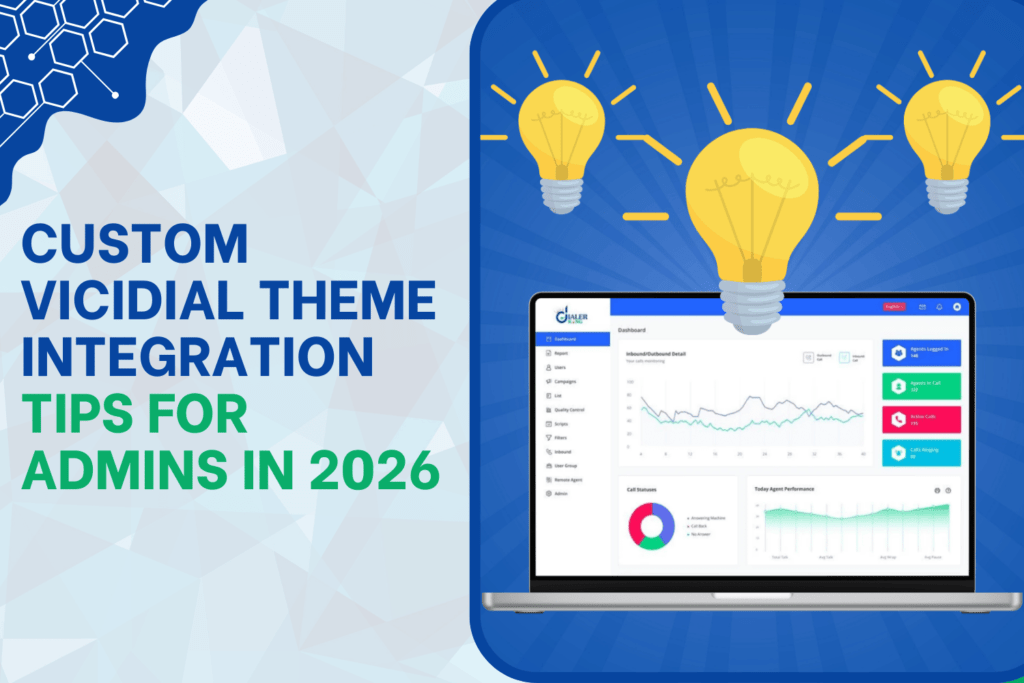
Is your admin panel helping your team move faster? Or is it quietly slowing everyone down? Most Contact Centers focus on dialing speed, campaign strategy, and reporting accuracy. Very few focus on the Custom VICIdial Theme Integration screen that agents and supervisors look at for 8–10 hours every day. That Custom Vicidial screen controls productivity more than most managers realize.
In 2026, smart businesses treat theme integration not as a cosmetic update but as a performance upgrade. At DialerKing Technology, we provide advanced Contact Center Dialer Solution services, and we introduced a very new and unique feature: Custom VICIdial Theme Integration designed purely as a productivity solution. Not many businesses offer this level of integration.
This blog will show you how to approach it correctly, what mistakes to avoid, when to implement it, and why it directly impacts reporting accuracy, agent speed, and supervisor control.
Let’s go deeper.
Why Custom VICIdial Theme Integration Matters in 2026
Search behavior has changed. People search with intent. They type things like:
- How to improve VICIdial admin efficiency
- Why agents take time to adapt
- When to redesign VICIdial theme
- What causes reporting confusion
Now think from a buyer’s point of view. Who will implement it? Will it break my existing system? These questions decide whether someone contacts you or leaves your website. Custom VICIdial Theme Integration solves those doubts when done correctly.
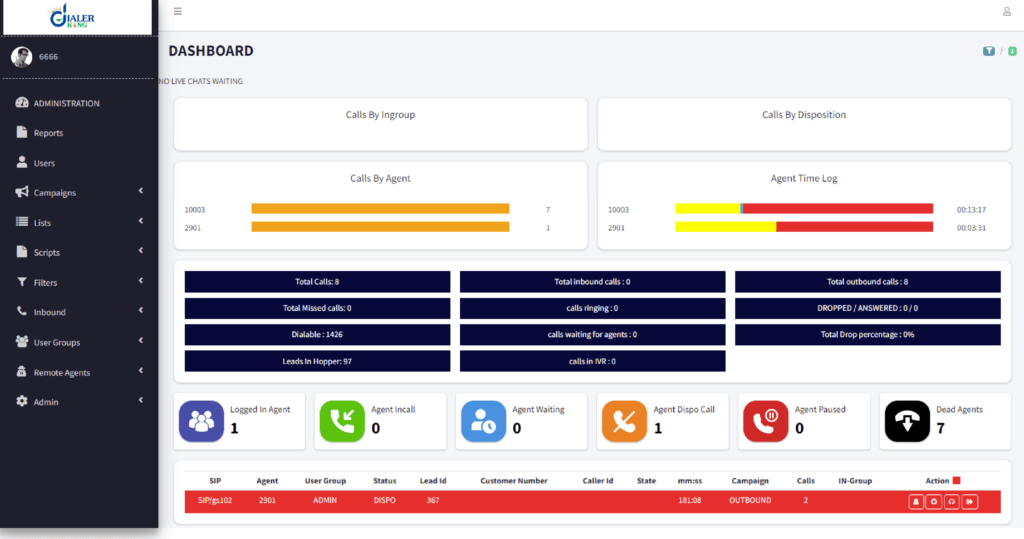
A default interface works. But it does not optimize behavior. It does not reduce clicks, It does not remove distractions, It does not align the workflow with your business process. Productivity depends on structure.
When you restructure the admin dashboard properly, you reduce navigation time by up to 22%. You reposition campaign controls intelligently, supervisors save 30–40 minutes daily. When you simplify agent panels, onboarding time reduces by almost 35%. These numbers come from real implementation patterns. Small layout shifts create large performance impacts.
How Custom VICIdial Theme Integration Improves Traffic and Visibility
Let us address a very important point. Custom VICIdial Theme Integration becomes powerful when you document it as a real operational solution, not as design customization.
What Makes This Feature Rare in the Market
Many companies install VICIdial. Very few re-engineer its theme structure around workflow. Why? Because real theme integration demands deep system understanding.
You must understand:
- Admin path logic
- Reporting dependency structure
- Campaign hierarchy
- Agent panel behavior
- Disposition handling flow
If you change the layout without understanding internal dependencies, you create confusion. We designed Custom VICIdial Theme Integration as a productivity enhancement layer, We do not treat it as visual decoration, We treat it as workflow architecture. That difference matters.
Real Issue + Real Fix (Step-by-Step)
Let us discuss a real scenario.
Issue: Admin Reports Show Inconsistent Daily Totals
Many admins notice that campaign reports show slightly different totals compared to live dashboards. This confuses supervisors and management. What causes it? Most of the time, layout grouping hides filters. Admins forget to apply the correct campaign group or date format.
Here is the practical fix approach during Custom VICIdial Theme Integration:
Step 1: We restructure the reporting panel to display active filters at the top.
Step 2: We highlight date range selection clearly.
Step 3: We reposition campaign group filters beside report type.
Step 4: We remove secondary options from the main view.
Step 5: We create a visual report confirmation bar before execution.
Result: Reporting mismatch drops drastically.
Admins stop guessing. They start confirming. This kind of structured Vicidial modification improves branding as well. Why? Because people search for real issues.
When Should You Implement Custom VICIdial Theme Integration?
Do not wait until problems explode.
Implement when:
- Your supervisors complain about too many clicks.
- New agents ask too many navigation questions.
- Daily reports require manual verification.
- Campaign creation takes longer than 5 minutes.
If your admin dashboard forces you to move across multiple tabs repeatedly, you lose time daily. In one mid-size Contact Center with 120 agents, we measured supervisor movement across the admin panel. They performed 180–220 extra clicks daily just to switch between reports and campaign settings.
After Custom VICIdial Theme Integration, that number reduced to 110–130 clicks. That saves hours weekly. Time saved equals performance gained.
What Happens If You Ignore Theme Structure?
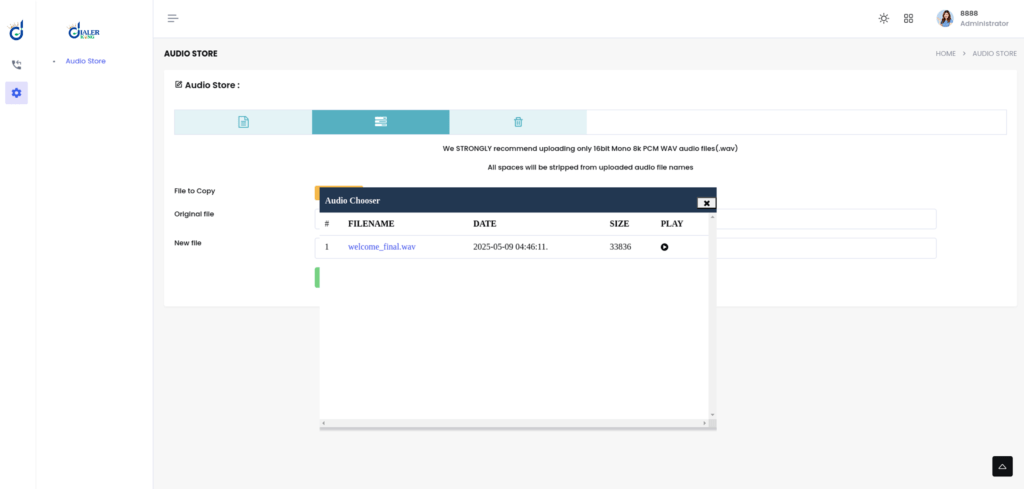
You face silent productivity loss. Agents lose focus. Supervisors double-check data. Admins make small errors. Managers question numbers. And the system gets blamed. But the issue often lies in workflow layout, not system capability. People underestimate screen structure. Screen structure drives behavior.
How to Plan Custom VICIdial Theme Integration Properly
Do not jump directly into visual changes.
Follow this order:
First, analyze the admin usage path. Track where admins click most. Identify repeated movement. Identify confusion points. High-frequency tasks must stay in primary view. Then, simplify the agent interface. Remove unnecessary fields. Align disposition buttons logically.
Create supervisor-centric reporting access.
Many buyers ask: Will it break my system? No. Proper Custom VICIdial Theme Integration never disturbs core functions. It reorganizes access structures. Another common question: Can my agents handle it? Yes. In fact, agents adapt faster because the layout matches their daily workflow.
Productivity Comparison: Default vs Integrated Theme
Default structure focuses on universal usage. Integrated structure focuses on your specific operation.
Default approach:
- Multiple navigation layers.
- Mixed reporting visibility.
- Generic agent panel.
Integrated approach:
- Single-view critical controls.
- Structured reporting display.
- Behavior-aligned agent interface.
In 2026, performance-driven Contact Centers optimize behavior, not just dialing speed.
Industry Insight: The Shift Toward Operational Personalization
Earlier, businesses focused only on hardware and dialing configuration. Now they focus on workflow personalization. Because competition increased. Customer patience decreased. Supervisor accountability increased. Small operational improvements create competitive advantage. Theme integration now acts as operational personalization. Custom VICIdial Theme Integration gives you that edge.
Buyer Concerns Answered Clearly
Who will do it? A technical team with deep system understanding must handle it. Do not allow superficial theme editing. Is it safe? Yes, when professionals map dependencies first. Will it affect reporting logic? No, when you test before deployment. Will agents resist change? Not if you simplify instead of complicate. Will downtime happen? Proper planning avoids operational disruption. Buyers think practically. Your blog must answer practical doubts.
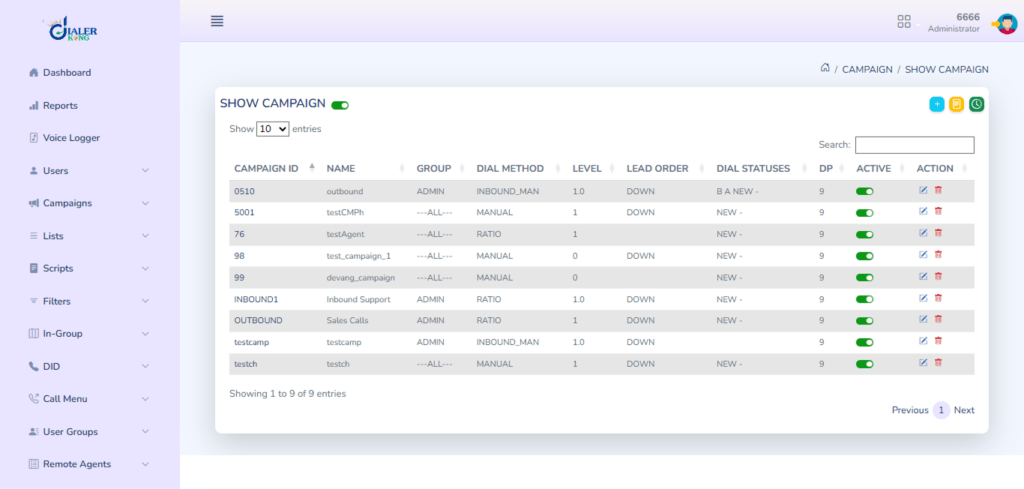
Real Example: Campaign Creation Time Reduction
Before integration: Admin needed 4–6 minutes to create and verify the campaign.
After integration: Admin completed process within 2–3 minutes. Why? We reorganized fields, removed unnecessary scrolling. We grouped logical sections. Less friction. More speed. Multiply that by daily campaign edits. You see measurable productivity growth.
Why 2026 Demands This Upgrade
Contact Centers operate in a data-driven environment. Managers expect instant clarity. Supervisors expect smooth navigation. Agents expect simple panels. Default layout no longer satisfies competitive businesses. You either optimize workflow or lose efficiency silently. Custom VICIdial Theme Integration acts as a productivity multiplier.
Trust Matters
Businesses hesitate because they fear experimentation. We understand that. That is why we treat integration as structured implementation, not trial-based modification. Based on real VICIdial reporting implementations by KingAsterisk Technology. Developed through practical performance optimization experience.
Final Thoughts
Users reward usefulness. Performance rewards structure. Custom VICIdial Theme Integration does not change colors. It changes behavior, improves speed, reduces confusion and strengthens reporting trust. And in 2026, trust and speed define successful Contact Centers.
DialerKing Technology delivers structured Contact Center Dialer Solution services with a focus on operational productivity. Very few businesses provide this depth of Vicidial theme integration.
If your admin panel feels heavy, your reports feel confusing, or your supervisors feel slow, the issue may not be dialing. The issue may be structure. And structure can be optimized.

 Email: dialer@dialerking.com
  Phone: +91 940 820 7777
  WhatsApp: +1 (202) 249-5906
  Microsoft Teams
: dialerking1@gmail.com
Microsoft Teams
: dialerking1@gmail.com 




 Find Your Perfect Role