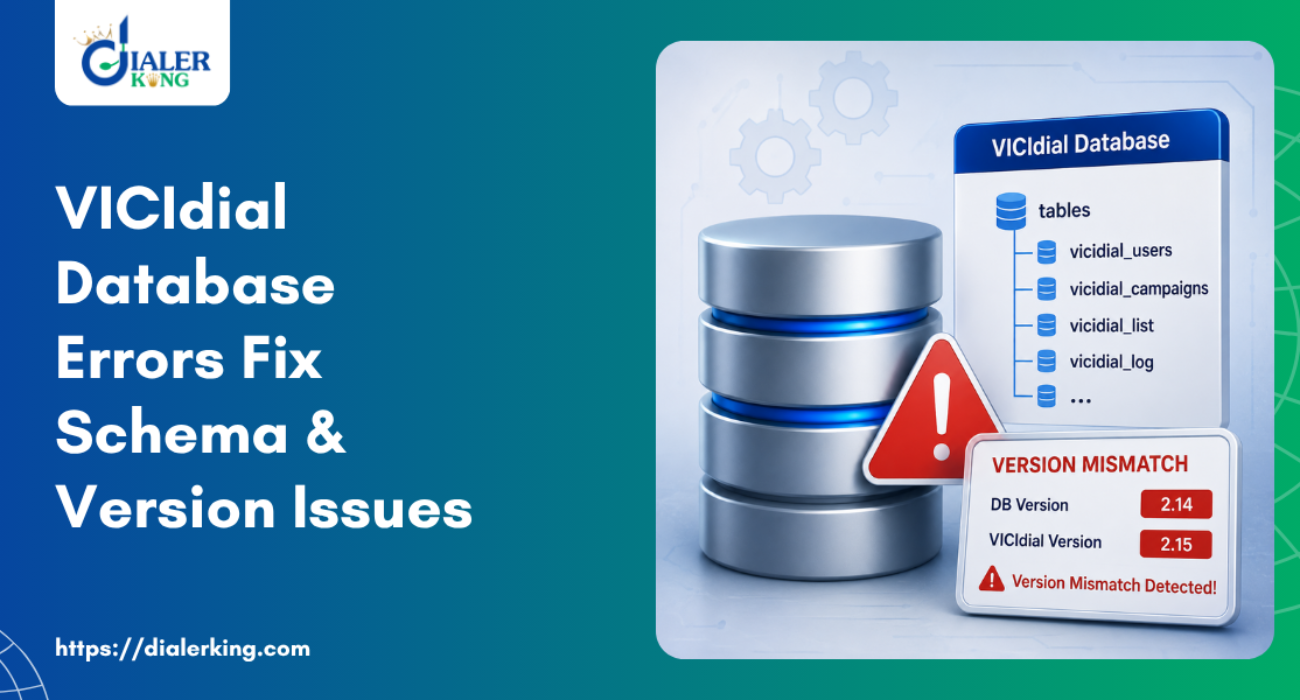
When a VICIdial Database Structure Issues starts, it is easy to assume the problem sits inside one broken feature: a failed import, a stuck agent session, or a screen that refuses to respond. In one VICIdial Installation we reviewed recently, the actual root cause was none of those things on its own. It was the database structure underneath all of them.
The db_schema_version value stored in system_settings read 0, a number that should never appear on a working system. Every symptom on the list, from PHP warnings scattered across the admin interface to buttons that did nothing when clicked, traced back to that single value.
This article covers what db_schema_version actually represents, how to recognize when a VICIdial database has fallen out of step with its application code, what typically causes that gap, and how to bring a damaged schema back to a known state without disturbing existing lead data.
What db_schema_version actually tracks in VICIdial Database Structure Issues
VICIdial keeps a single settings table, system_settings, that stores configuration values the application checks at runtime. One of those values is db_schema_version. It exists separately from the version number printed on the login screen because the two track different things: one describes the application files installed on disk, the other describes the structure of the database those files expect to query against. On a healthy installation the two stay aligned, because every release that adds columns or tables also ships an update to this value.
This separation matters because application files and database structure fail independently of each other. Copying a newer set of PHP files onto a server, without also running the matching database update, leaves the code several versions ahead of what the tables actually contain.
The reverse can happen too, where a VICIdial Database Structure Issues gets upgraded on its own and the application files are never refreshed to match. Either direction produces the same class of problem: code and structure that no longer agree on what fields exist.
SELECT db_schema_version
FROM system_settings;A working installation returns a four digit figure in the low thousands, climbing with each released version. A result of 0 is not a low version, it is an unset one. That distinction matters for diagnosis: a genuinely old but complete schema will show a real, if outdated, number, while a 0 points to a value that was never written at all, which usually means an upgrade routine started and stopped before finishing.
The symptoms that point to a structural problem, not a feature bug
The clearest secondary evidence of a schema gap in this case was not a dialing failure, it was the volume of PHP warnings appearing in the web server log every time an administrator opened the admin pages.
PHP Warning: Undefined variable
admin.php
admin_header.php
admin_listloader_fourth_gen.php
Vicidial_stylesheet.phpVariables named $menu_name, $ip_address, $lead_filter_sql, $reports_only_user, and $tz_method were among those flagged. Each of these is normally set from a row or column that a query pulls back from the database. When the expected column is missing, or the table it belongs to was never created, the query still runs but simply has nothing to hand back for that field.
PHP does not fail outright in that situation, it logs a warning and moves on, which is why the interface keeps loading pages while quietly leaving pieces of them blank or misconfigured.
Seen in isolation, a single Undefined variable warning is unremarkable and often ignorable. Seen across several admin files at once, tied to variables that should be coming from the same settings table, it is a strong signal that the schema the code expects and the schema actually present in the database have diverged.
How a VICIdial database ends up with a mismatched schema
Upgrade scripts interrupted partway through
VICIdial upgrades run through a defined sequence of SQL files, applied one after another. If that sequence is stopped midway, whether by a connection drop, a permissions error on one script, or the process simply being cancelled, the database is left holding a partial mix of old and new structure.
The version marker in system_settings, which is normally the last thing an upgrade script updates, may never get written at all, leaving it at 0 even though some later-stage tables already exist.
A database restored from a different version than the codebase
Restoring a backup taken before an upgrade, onto a server already running post-upgrade application files, produces the same mismatch from the opposite direction. The code expects structure the restored VICIdial Database Structure Issues does not have.
Manual edits made outside the installer’s own upgrade path
Hand-editing tables, or applying only part of an upgrade file because the rest looked unnecessary at the time, breaks the assumption that each script builds cleanly on the one before it. Skipping a step early in the sequence can make a later step fail silently or apply against the wrong baseline.
Why unrelated components can still appear to work
It can seem contradictory that SIP registration succeeded, the trunk connected, the hopper script inserted a lead, and a manual row insert into vicidial_list completed, all while db_schema_version sat at 0. The explanation is that these checks exercise different layers of the system.
Phone registration and trunk connectivity are handled by Asterisk configuration, which does not read from VICIdial’s own settings table at all. A basic insert into a table like vicidial_list only proves that table exists with its older columns intact, not that every column a newer admin screen expects is present.
This is exactly why isolating a problem to the schema layer specifically is useful before touching dialing logic, lead routing, or agent state handling. Those areas may end up needing their own attention once the underlying structure is corrected, but chasing them first, on top of a database that is not yet internally consistent, tends to produce fixes that do not hold.
A practical approach to correcting db_schema_version
The sequence below assumes access to the server’s MySQL client and the VICIdial Database Structure Issues source tree matching the installed application version.
- Take a full database backup before changing anything, including the system_settings table itself.
- Confirm the installed application version from the VICIdial source files on disk, not from the login screen alone.
- Compare that version against the value returned by SELECT db_schema_version FROM system_settings, so the size of the gap is known before starting.
- Locate the incremental database upgrade SQL files that ship with the VICIdial Database Structure Issues source tree, matching the version range between the current schema and the target.
- Apply the scripts in order, without skipping any, even if a particular file looks unrelated to the symptoms being chased.
- After each script, re-run the db_schema_version query to confirm the value moved forward as expected before applying the next one.
- Once the value matches the release the application files belong to, move on to checking whether the PHP warnings are clear.
Running the scripts strictly in order matters more than it might first appear. Later upgrade files sometimes assume columns added by earlier ones already exist, so applying them out of sequence can produce new errors that look unrelated to the original problem.
What a healthy schema check looks like going forward
Once db_schema_version reads correctly, it is worth treating that single query as a standing health check rather than a one-time diagnostic. Running it before and after any planned change, whether that change touches application files, the database, or both, turns a potential multi-hour investigation into a five-second confirmation.
The same applies to reviewing the web server log for Undefined variable warnings on a regular basis, since a fresh cluster of them appearing after a routine change is often the earliest sign that something in that change did not apply as expected.
Confirming the schema is fully repaired
Once the upgrade scripts have run, three checks confirm the fix actually held. First, the system_settings query should return the expected version number rather than 0 or an intermediate figure. Second, reloading admin.php and admin_header.php should no longer produce Undefined variable warnings in the web server log for the fields identified earlier.
Third, spot-checking those specific fields on screen, such as confirming $menu_name and $ip_address actually display a value rather than an empty string, verifies that the columns are not just present but populated the way the interface expects.
Only after these three checks pass is it worth moving attention to whatever dialing, lead delivery, or agent state behavior still needs work, since a schema repair sometimes resolves those symptoms on its own once the settings and lead tables are complete again.
Preventing schema drift on future upgrades
- Run the packaged upgrade script end to end in a single maintenance window, rather than applying part of it and finishing later.
- Keep the application file version and the VICIdial Database Structure Issues schema version changing together, never update one without the other on the same day.
- Record the db_schema_version value after every planned upgrade, so a future audit has a known-good baseline to compare against instead of guessing what a healthy number should look like.
- Take a database backup immediately before any upgrade attempt, so an interrupted script can be rolled back cleanly instead of left half-applied.
Frequently asked questions
Why does db_schema_version show 0 on some installations❓
A reading of 0 almost always means the upgrade process that should have written a new version number into system_settings never completed, or the row itself was never populated during setup. It is not a normal starting value for any released version, so it should be treated as a red flag rather than a default.
Can VICIdial database structure issues be fixed without losing existing leads❓
Yes, in most cases. Schema repair involves adding or altering columns and tables through the packaged upgrade SQL files, not truncating existing data. Taking a full backup before starting is still the safer first step, since it gives a way back if a script behaves unexpectedly on a particular installation.
Do PHP Undefined variable warnings always point to a schema problem❓
Not always, but when the same warning appears repeatedly across multiple admin files at once, for variables that admin.php would normally populate from a database query, a schema gap is one of the more common explanations, especially alongside a db_schema_version reading that looks wrong for the installed version.
How do I know which upgrade scripts to run❓
The VICIdial source tree ships incremental SQL files under its database upgrade folder, named for the version transitions they cover. The safe approach is to confirm the installed application version first, then apply every script between the current schema version and that target in order, rather than picking scripts out of sequence.
Get a structural review from DialerKing Technology
If an installation is showing PHP warnings across the admin interface, a db_schema_version reading that does not match the expected release, or features that behave inconsistently for no obvious reason, the underlying database structure is worth checking before anything else.
DialerKing Technology works directly with VICIdial Database Structure Issues installations to diagnose schema mismatches, apply the correct upgrade sequence, and confirm the fix against the actual server logs rather than guesswork.
Reach out to DialerKing to have your database structure reviewed and brought back to a known, supportable state.