Custom Dialer Theme – 13

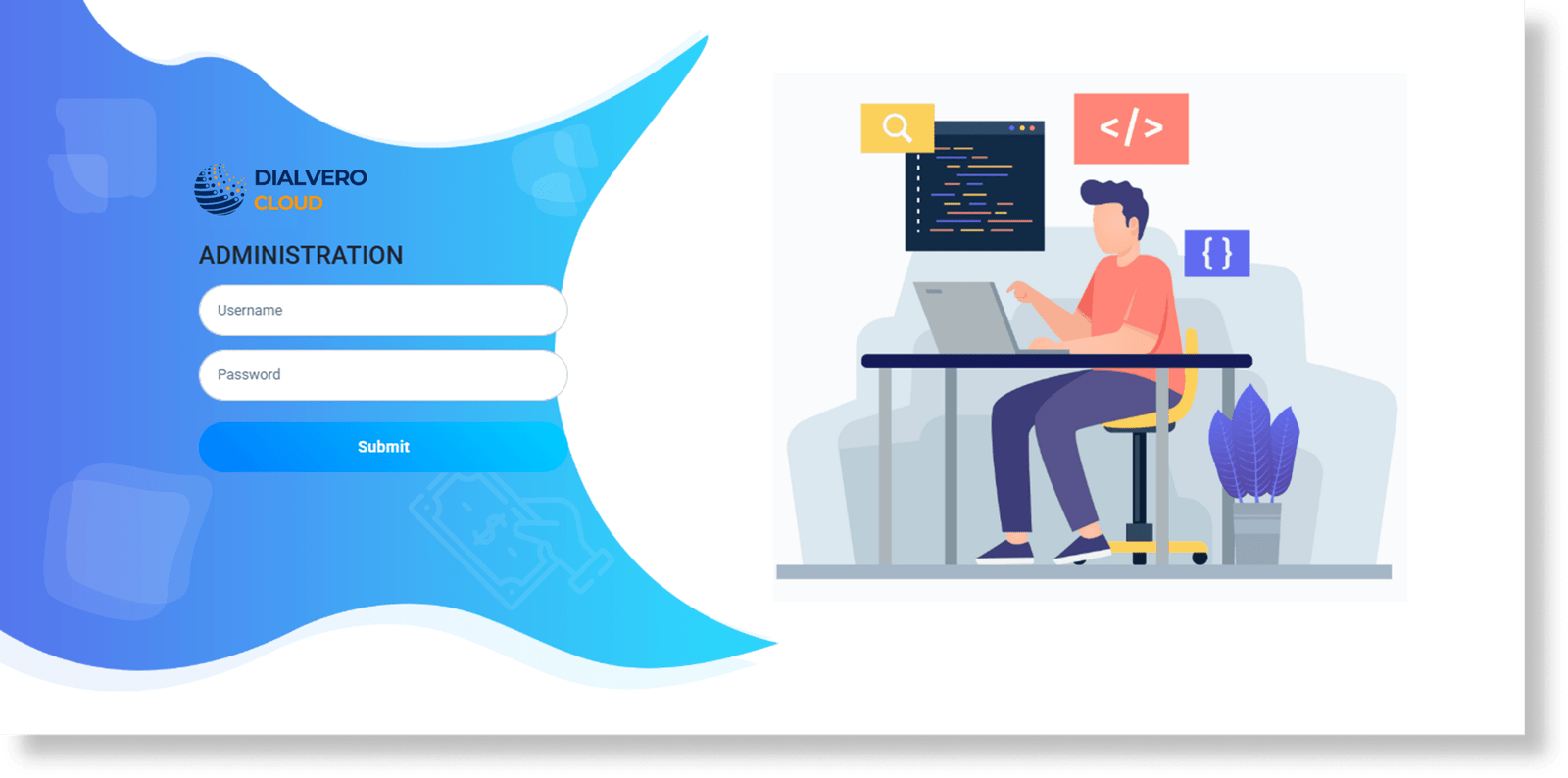
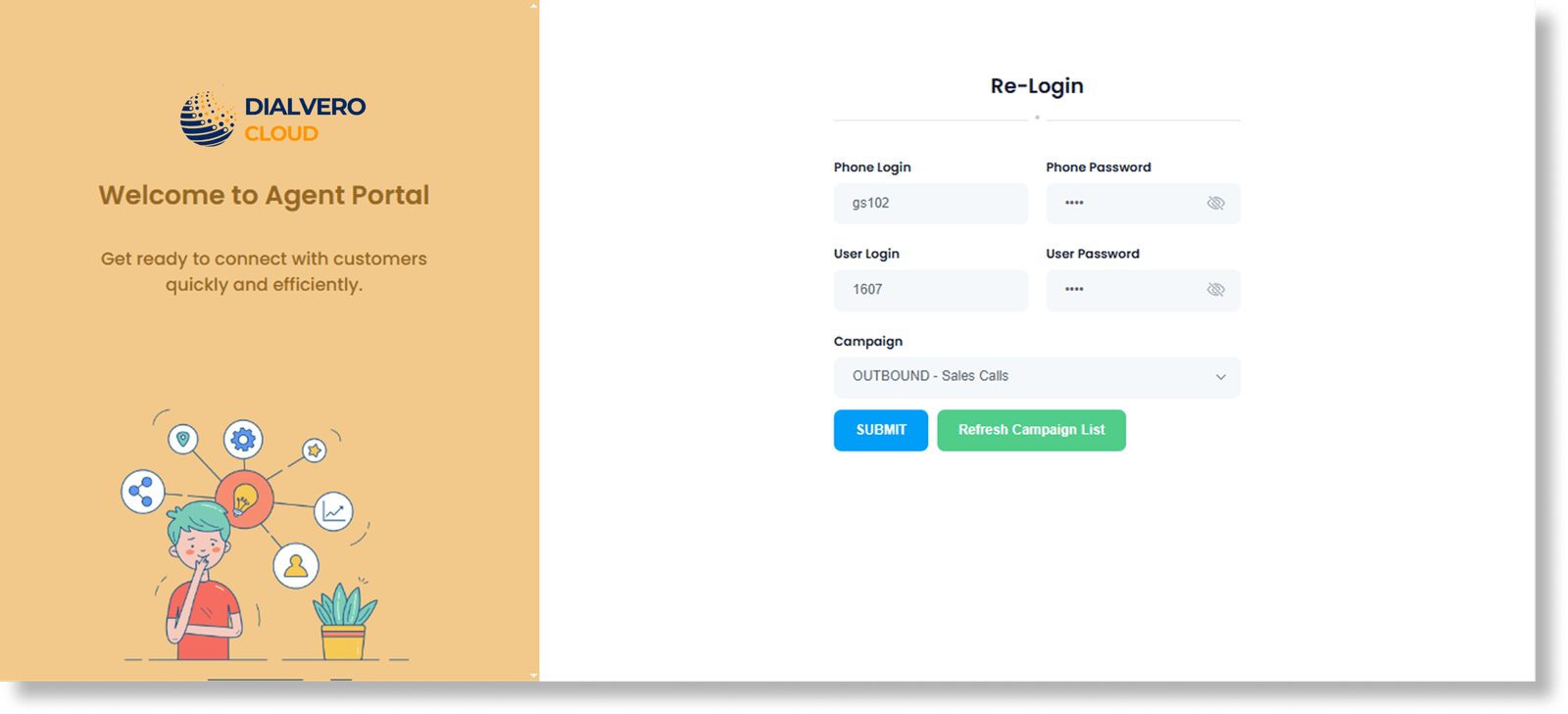
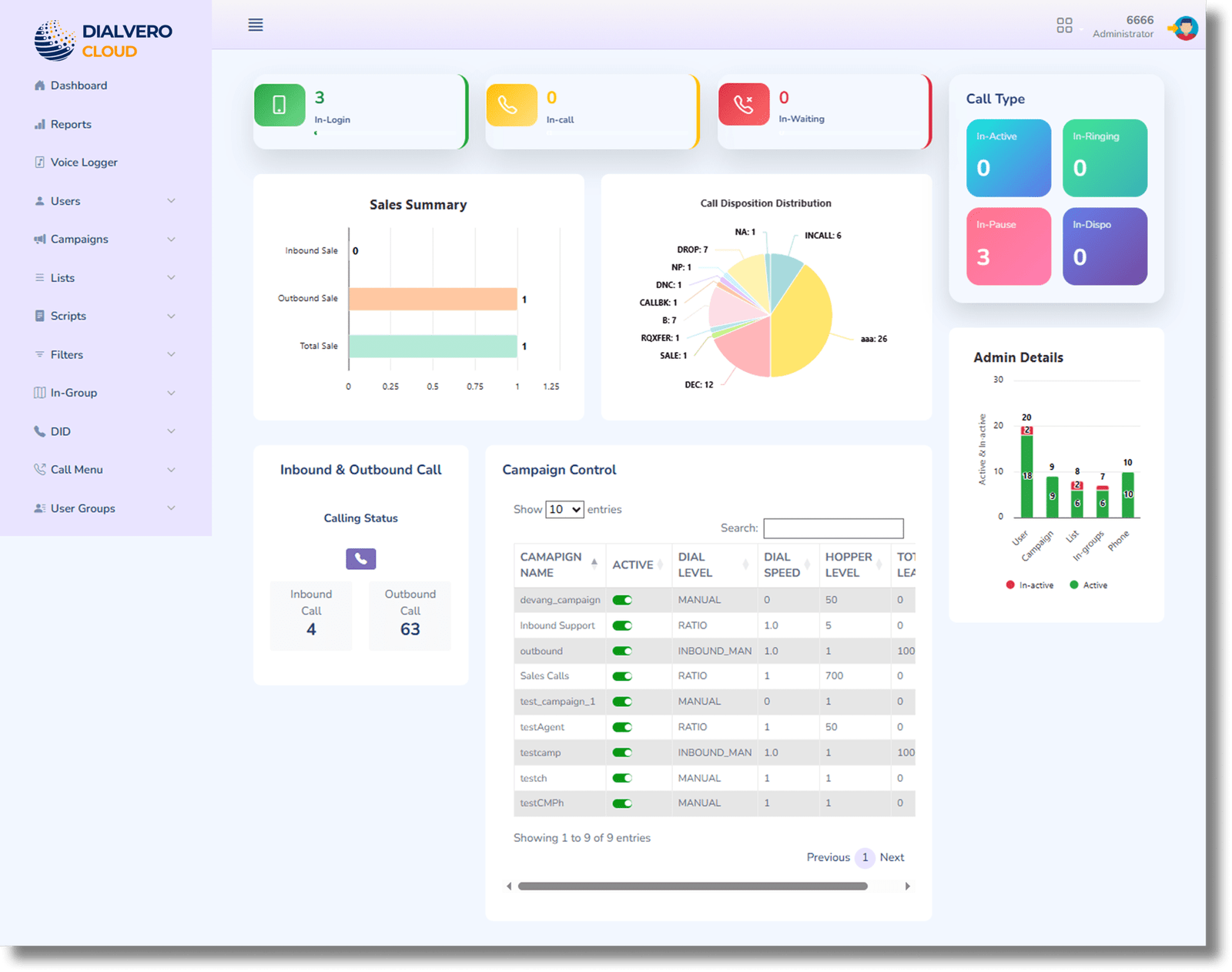
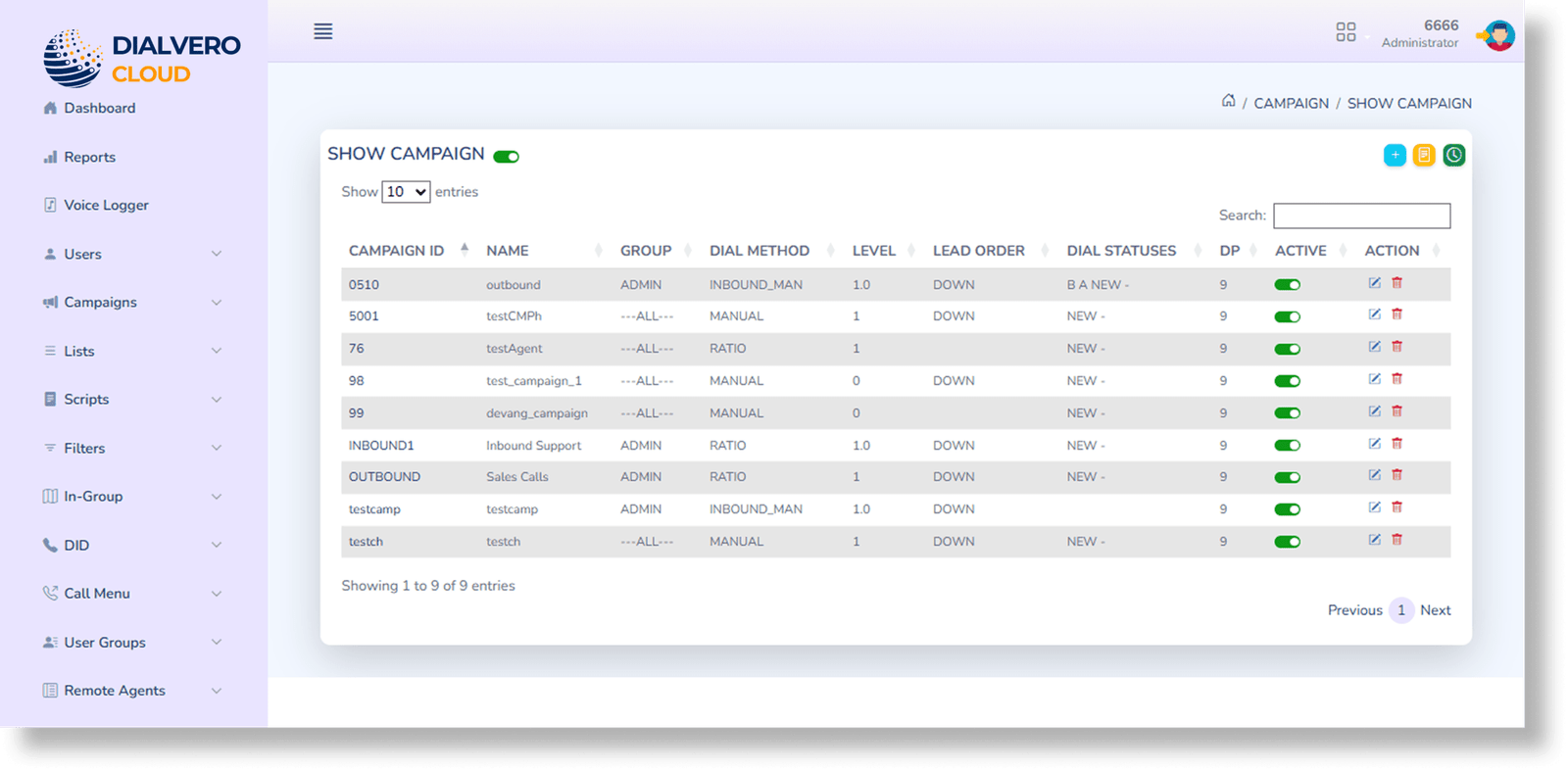
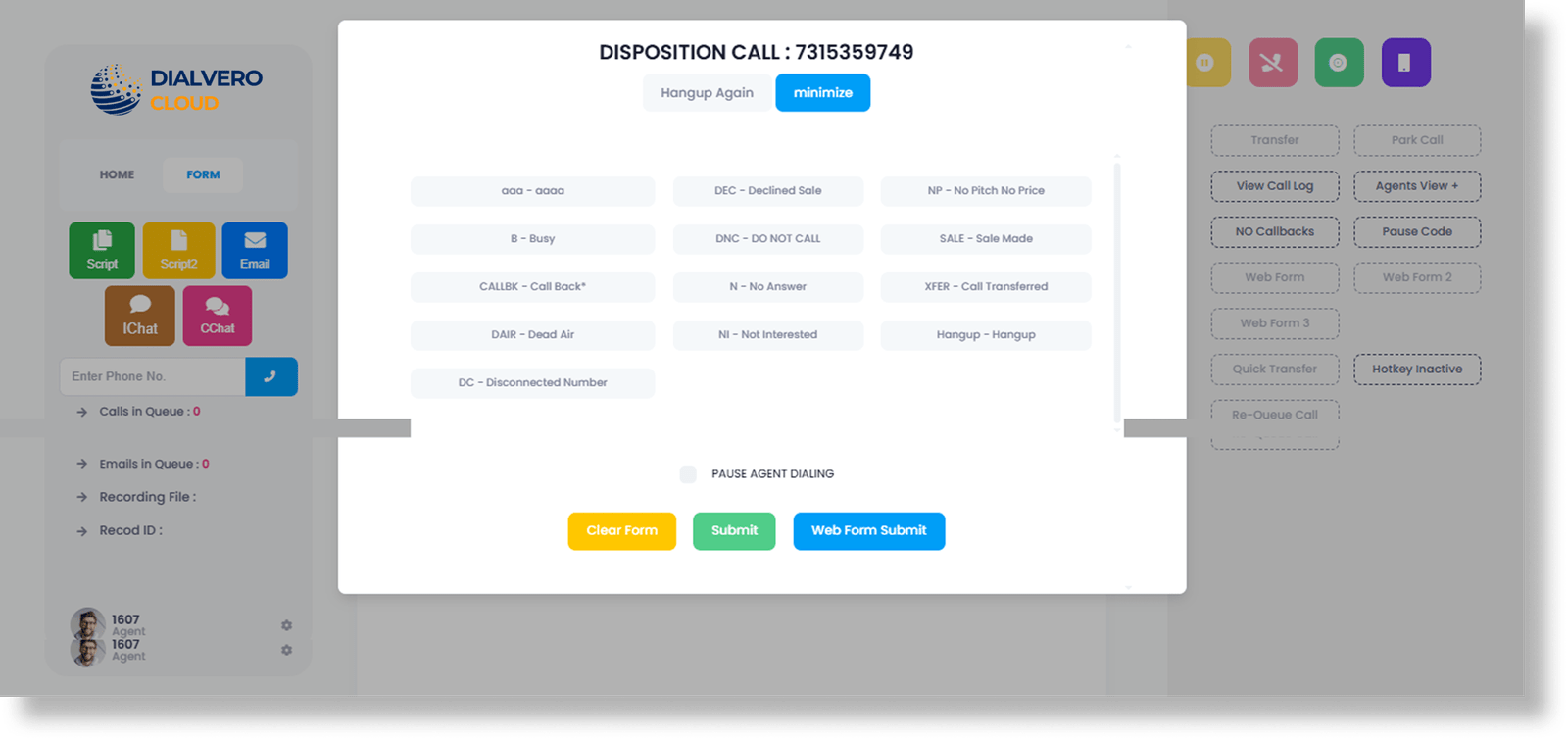
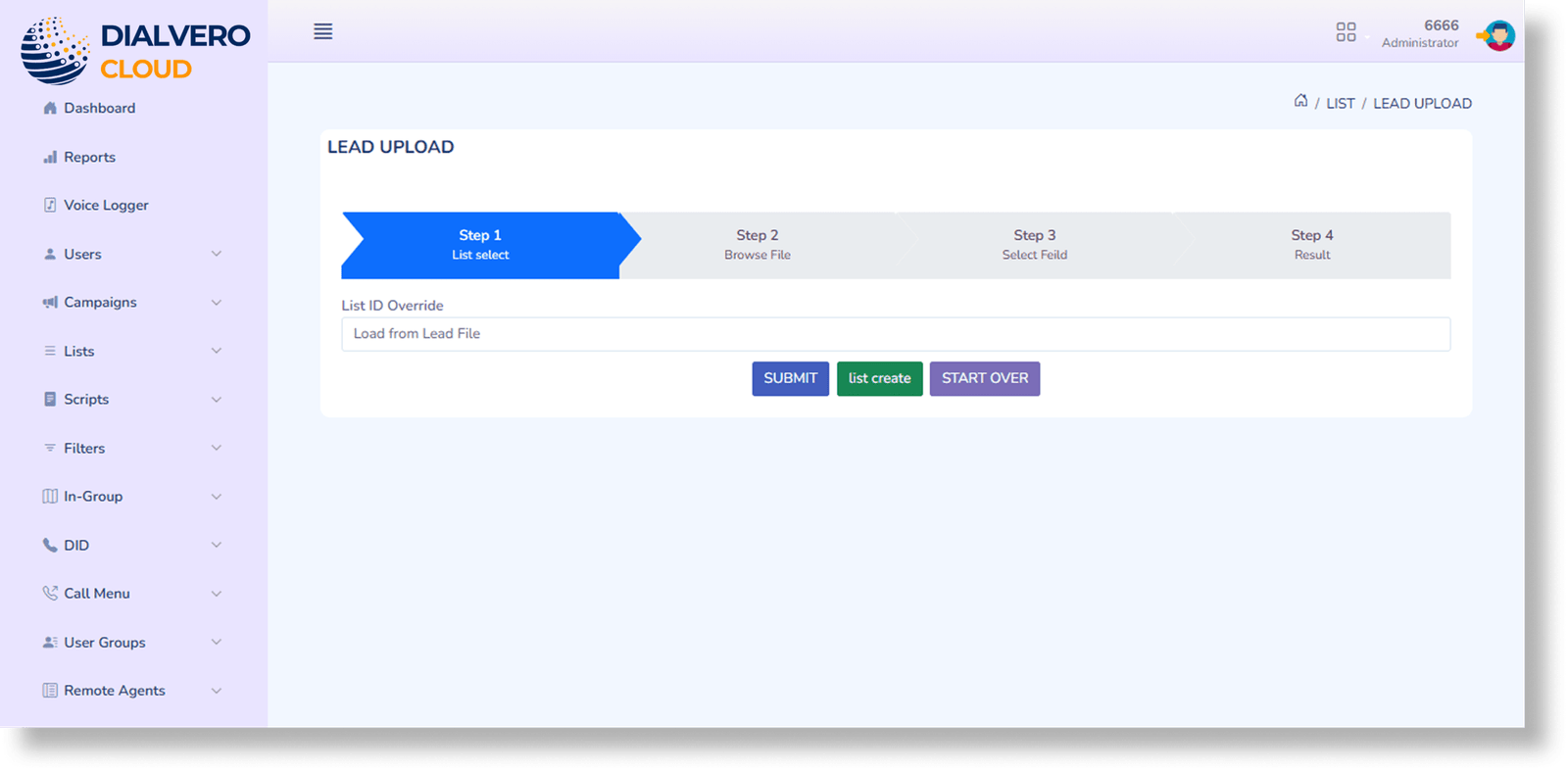
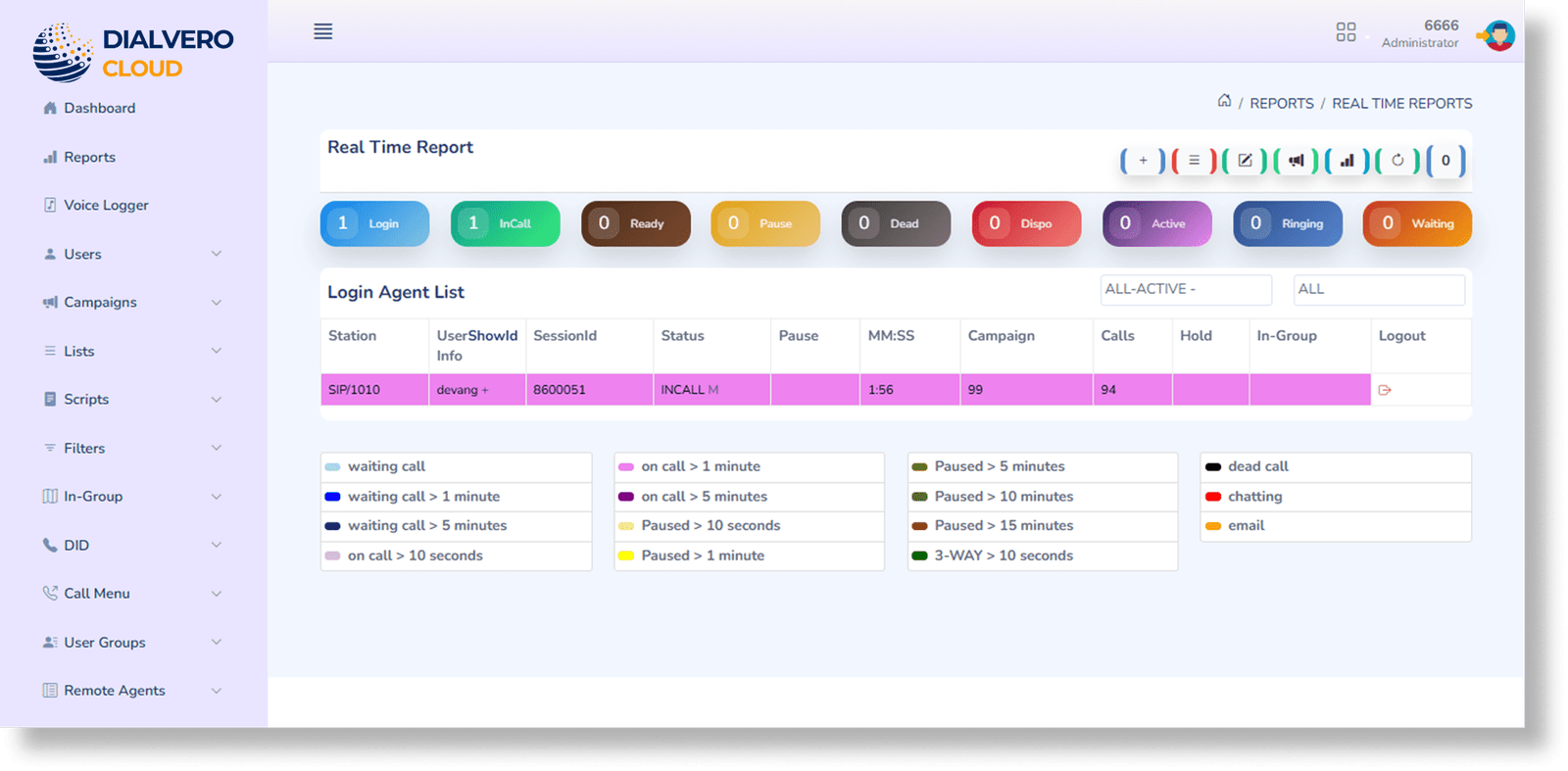
We built a custom dialer dashboard that pulls reporting, campaign tools, and agent oversight into one spot. Once a supervisor logs in, they can see exactly what’s happening in real-time—from who’s on a call to how the queues are holding up—all through a simple interface that doesn't lag.

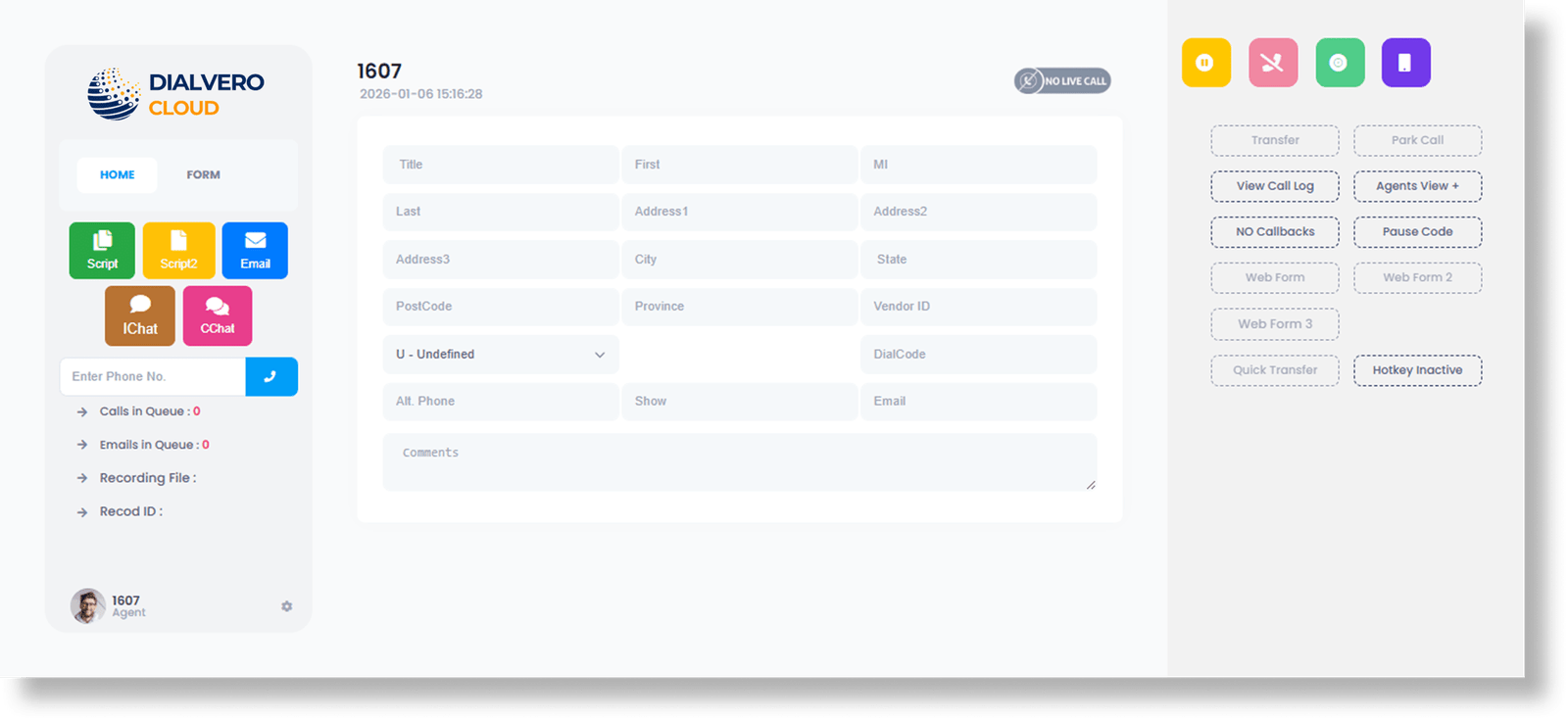
Instead of waiting on old reports, teams used this one-stop dashboard to fix issues as they happened. By putting live data and call tools in one place, managers could tweak staffing and dialing on the fly. Because the dialer lived right in the browser, the whole workflow felt smoother, and customer chats got a lot better.

Challenges Addressed

The client struggled with a "blind spot" problem. Reporting was so scattered that we didn't see performance issues until it was too late. Managers were essentially flying blind because they couldn't see who was online to help. This, combined with an old-school system that forced everyone to jump through administrative hoops, made it impossible to react when customer numbers suddenly climbed.
  • icon Unified Real-Time Operations Dashboard
  • icon Live Agent Status and Productivity Tracking
  • icon Campaign-Level Call Analytics
  • icon Smart Queue and Call Flow Monitoring
  • icon Custom KPIs and Dashboard Widgets
  • icon Role-Based Admin and Supervisor Access
  • icon Automated Performance Alerts
  • icon Secure Data Export and Reporting
  • icon Scalable Dialer Architecture for Growth

Our Similar Projects