- Why Recording Management Becomes a Major Productivity Issue
- What Makes the VICIdial Call Recording Management System Different
- A Real Contact Center Challenge That Triggered This Solution
- How to Access and Use the VICIdial Call Recording Management System
- Why Contact Centers Need Smarter Recording Management in 2026
- How Recording Access Improves Agent Training
- When Contact Centers Should Consider Recording Management Customization
- Why Productivity Tools Decide Contact Center Success
- Common Questions Buyers Usually Ask Before Adopting This System
- A Quick Industry Insight
- The Bigger Picture: Recording as Business Intelligence
- Why DialerKing Technology Focuses on Practical Solutions
- Final Thoughts
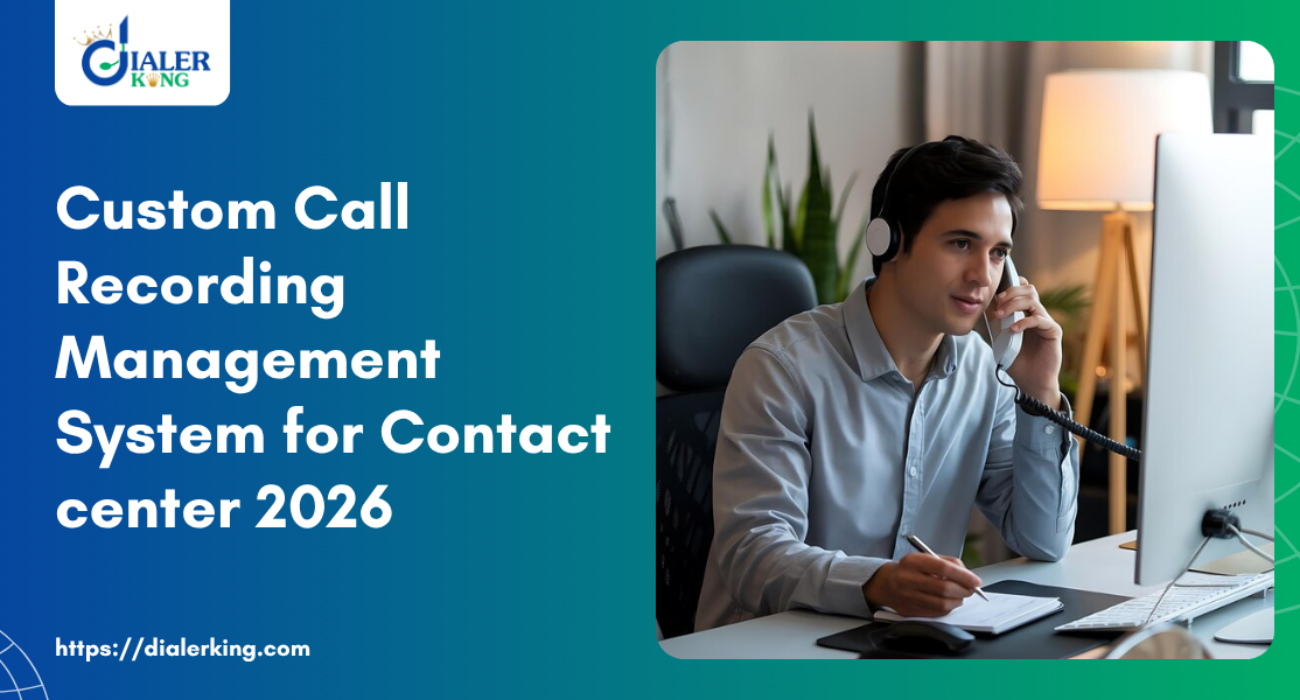
Every contact center records conversations. But here is a question many teams rarely ask. Can your team actually manage those Vicidial System recordings easily? Many contact centers record thousands of conversations every day. Yet agents, supervisors, and quality teams often struggle to find the right recording when they need it.
They click through multiple pages, search through long lists and download files manually. Time disappears. This problem grows bigger in 2026. Contact centers now handle more conversations than ever before. Performance reviews depend on recorded interactions. Training depends on them. Compliance depends on them.
But the biggest issue remains simple. Most recording systems still feel disconnected from the actual working interface. Dialer platforms store recordings. Yet teams rarely access them quickly during real work.
That gap inspired a new productivity-focused innovation. DialerKing Technology developed a Custom VICIdial Call Recording Management System that integrates directly inside the working interface. Teams can listen, search, organize, and manage recordings instantly without leaving the dashboard.
Few businesses offer this feature today. And that creates a serious advantage for contact centers that adopt it early.

Why Recording Management Becomes a Major Productivity Issue
Most contact centers believe recording exists mainly for compliance. That assumption creates a hidden problem. Teams collect huge volumes of recordings but fail to use them effectively. Imagine a supervisor who wants to review yesterday’s sales conversation.
Instead of opening the interface and listening instantly, the supervisor often follows a long process:
- Search logs
- Locate the interaction ID
- Navigate another screen
- Find the audio file
- Download or open it manually
Now imagine repeating that process 50 times in a day. The result becomes clear. Productivity drops. Review time increases. Training slows down. A modern contact center needs more than simple recording storage.
It needs a recording productivity system. That is exactly where the VICIdial Call Recording Management System from DialerKing Technology changes the experience.
What Makes the VICIdial Call Recording Management System Different
Many recording systems store files. But the VICIdial Call Recording Management System focuses on workflow efficiency. DialerKing Technology integrates a dedicated recording management module directly into the working interface. Agents and supervisors access recordings instantly while working.
No extra navigation, separate search screens and complicated file access. Teams simply open the recording panel inside the interface and start listening.
The system allows users to:
- Listen to recordings instantly
- Search recordings using filters
- Organize recordings by campaign or agent
- Access recordings during live operations
- Review conversations for training and quality improvement
This approach turns recording from a background function into a daily productivity tool. And that small shift creates a big operational impact.
A Real Contact Center Challenge That Triggered This Solution

A growing international contact center approached DialerKing Technology with a serious workflow problem. Their team handled over 18,000 conversations per day. Quality supervisors reviewed recordings daily to evaluate agent performance. However, the review process slowed everything down.
Supervisors reported three major issues:
They wasted time switching between pages
They struggled to organize recordings for training
Each supervisor spent almost 2 hours per day just locating recordings. That equals 40 hours per month per supervisor. Instead of analyzing conversations, they spent time searching for files.
The contact center wanted a simple request.
“We want recordings integrated directly into the interface so we can listen and manage them easily.”
DialerKing Technology built a custom VICIdial Call Recording Management System to solve this challenge.
The Custom Recording Management Module Built by DialerKing
DialerKing Technology designed the system as a productivity-focused Vicidial extension inside the working environment. Agents and supervisors now access recordings from a single integrated panel. The system includes powerful features.
Users can filter recordings by:
- Agent name
- Campaign name
- Date range
- Conversation duration
- Customer number
Supervisors instantly locate the exact conversation they want. The system also allows teams to organize recordings efficiently. Managers can categorize conversations for training, compliance checks, or performance evaluation.
Everything happens inside the interface. No extra navigation. No wasted time. That simple change increased operational efficiency dramatically.
How to Access and Use the VICIdial Call Recording Management System
Many teams ask a simple question. How does the recording system work in real workflow conditions? Here is a simplified explanation of how teams use the VICIdial Call Recording Management System inside the interface.
Step 1: Open the Recording Management Panel
Agents or supervisors open the integrated recording panel directly inside the dashboard. The panel displays recent recordings immediately.
Step 2: Apply Filters to Find Specific Conversations
Users select filters to locate recordings quickly.
For example:
- Agent name
- Campaign
- Date range
The system displays relevant recordings instantly.
Step 3: Listen Without Leaving the Interface
Users click the play button to listen immediately. No download process interrupts the workflow.
Step 4: Organize or Mark Recordings
Supervisors mark recordings for training, quality analysis, or performance review. Teams organize important interactions efficiently. That workflow takes seconds instead of minutes. And that difference transforms daily productivity.
Why Contact Centers Need Smarter Recording Management in 2026
Contact center operations evolve quickly. Customer interactions grow every year. Industry reports from organizations such as HubSpot show that businesses increasingly rely on recorded interactions to improve customer experience and training processes.
Meanwhile research published on Wikipedia highlights how interaction recording helps organizations evaluate communication quality and maintain compliance standards.
However, most systems still treat recordings as background data. Forward-thinking contact centers now treat recordings as performance intelligence.
A smart VICIdial Call Recording Management System helps teams:
- Improve training quality
- Identify successful sales conversations
- Detect recurring customer issues
- Strengthen compliance monitoring
The more efficiently teams access recordings, the more value they extract from them.
Comparing Traditional Recording Access vs Integrated Recording Management
Let’s compare the typical recording process with the system developed by DialerKing Technology.
Traditional Recording Access:
- Search logs manually
- Navigate multiple pages
- Download files
- Listen outside the working interface
Average time per recording review: 3–5 minutes
Integrated Recording Management:
- Open recording panel instantly
- Apply filters
- Listen inside interface
Average time per recording review: 15–20 seconds
That difference multiplies across thousands of recordings every month. Even a small improvement saves hundreds of working hours annually. That productivity gain explains why this VICIdial Call Recording Management System attracts growing interest among contact centers in 2026.
How Recording Access Improves Agent Training
Recording access plays a major role in agent development. Training managers often struggle to find real conversation examples for coaching sessions. Without quick access to recordings, trainers rely on theoretical explanations. However, real conversations teach agents far more effectively.
Imagine a trainer showing three real interactions: A successful sales conversation, difficult customer complaint, and a perfect problem resolution. Agents learn faster because they hear real communication.
The VICIdial Call Recording Management System allows trainers to locate these recordings instantly. Training becomes practical instead of theoretical. And that dramatically improves learning outcomes.
Why Few Businesses Provide This Feature
Many platforms support recording storage. But very few providers offer a custom integrated recording management system. Why? Because building this functionality requires deep platform knowledge.
Developers must integrate search logic, audio access, filtering systems, and interface workflows carefully. Most providers focus only on standard installations. DialerKing Technology focuses on advanced operational improvements.
The custom VICIdial Call Recording Management System represents one example of that approach. Instead of treating recordings as files, the system treats them as daily operational tools. That difference defines the productivity advantage.
When Contact Centers Should Consider Recording Management Customization
Not every contact center requires this system immediately. But certain operational conditions clearly signal the need for a better recording management workflow.
Teams usually benefit from customization when they experience situations such as:
- High daily interaction volume
- Large training teams
- Regular quality monitoring sessions
- Sales performance reviews based on recordings
- Compliance monitoring requirements
If teams review recordings regularly, an integrated VICIdial Call Recording Management System saves significant time. And time always converts into productivity.
Why Productivity Tools Decide Contact Center Success
Technology alone does not improve performance. Small workflow improvements create the biggest impact. Consider this simple example. If a supervisor saves 3 minutes per recording search and reviews 40 recordings per day, the supervisor saves 120 minutes daily.
That equals 2 hours every day. Multiply that across a year. The productivity gain becomes massive. This simple calculation explains why operational improvements like the VICIdial Call Recording Management System matter so much. Efficiency compounds.
Common Questions Buyers Usually Ask Before Adopting This System
Many contact center leaders ask practical questions before implementing new productivity features.
A Quick Industry Insight
According to research published by Search Engine Journal, organizations that optimize operational workflows often achieve faster growth than companies that rely only on new tools. The difference lies in how teams use existing systems.
The VICIdial Call Recording Management System improves workflow rather than adding complexity. That approach delivers real operational value.
The Bigger Picture: Recording as Business Intelligence
Forward-thinking contact centers no longer treat recordings as simple archives. They treat recordings as business intelligence. Every conversation reveals insights:
- Customer objections
- Product feedback
- Sales techniques that work
- Service improvements
However, teams unlock these insights only when they can access recordings quickly. The VICIdial Call Recording Management System enables that accessibility. Once recordings become easy to manage, teams begin using them more frequently. And that improves decision-making across the organization.
Why DialerKing Technology Focuses on Practical Solutions
Many technology providers promote complex features. DialerKing Technology focuses on real operational improvements. The custom VICIdial Call Recording Management System demonstrates this philosophy clearly. Instead of adding unnecessary complexity, the system simplifies a daily task.
- Listen to recordings faster.
- Search recordings instantly.
- Organize conversations efficiently.
Final Thoughts
Contact center success often depends on small operational advantages. Recording access may seem like a minor feature at first glance. But once teams handle thousands of interactions daily, the ability to manage recordings efficiently becomes a critical productivity factor.
The VICIdial Call Recording Management System developed by DialerKing Technology addresses this challenge directly. It integrates recording access into the working interface, eliminating unnecessary navigation. It helps supervisors, trainers, and managers locate important conversations instantly.
Few businesses offer this level of recording workflow integration today. And that creates a meaningful competitive advantage for organizations that adopt it early. Based on real VICIdial recording implementations by DialerKing Technology. Designed to improve operational productivity for modern contact centers.