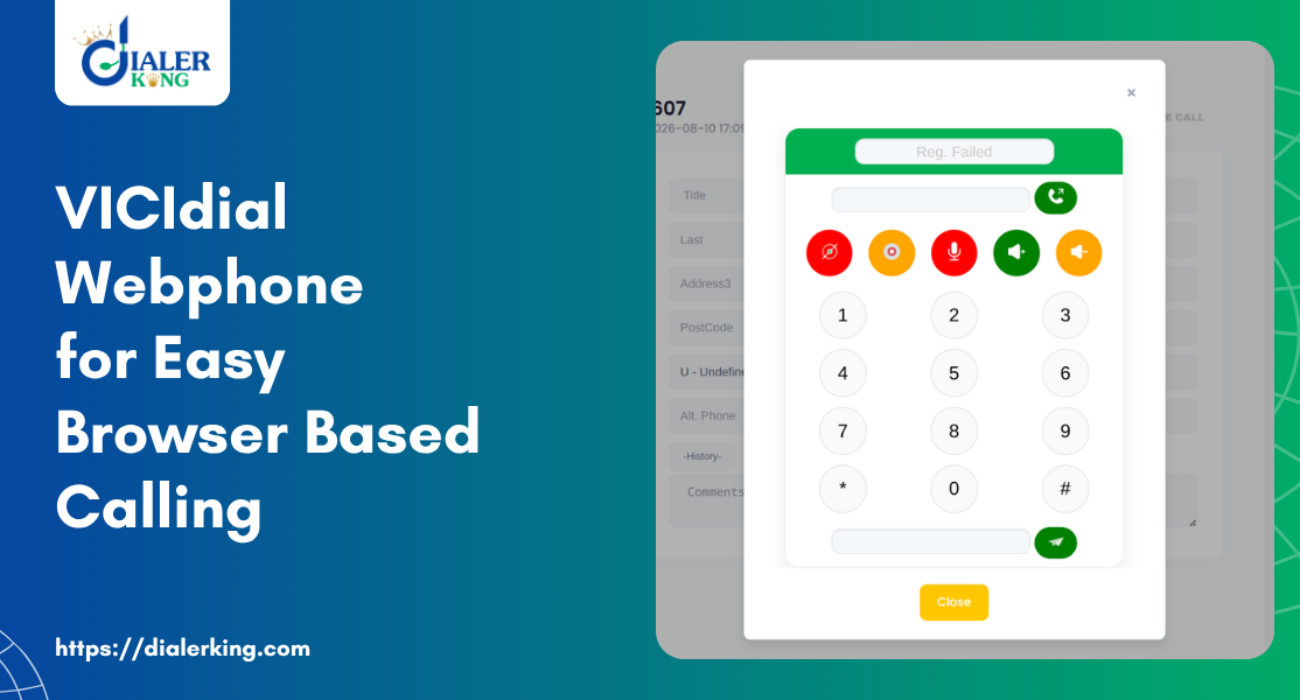
A VICIdial Webphone lets an agent take and place calls inside the browser tab where they already work. There is no softphone to install in the VICIdial system, no driver trouble and no IT visit to a remote agent’s laptop.
If you have ever spent a Monday morning setting up desktop softphones for a new batch of agents, you know why teams switch. Below is how the VICIdial Webphone works, what it needs, how to set it up, and what usually breaks.
What Is a Webphone?
A webphone is a phone that runs inside a web page. The browser handles the audio using WebRTC, and the page talks to Asterisk over a secure WebSocket (WSS). The voice itself is encrypted with DTLS-SRTP.
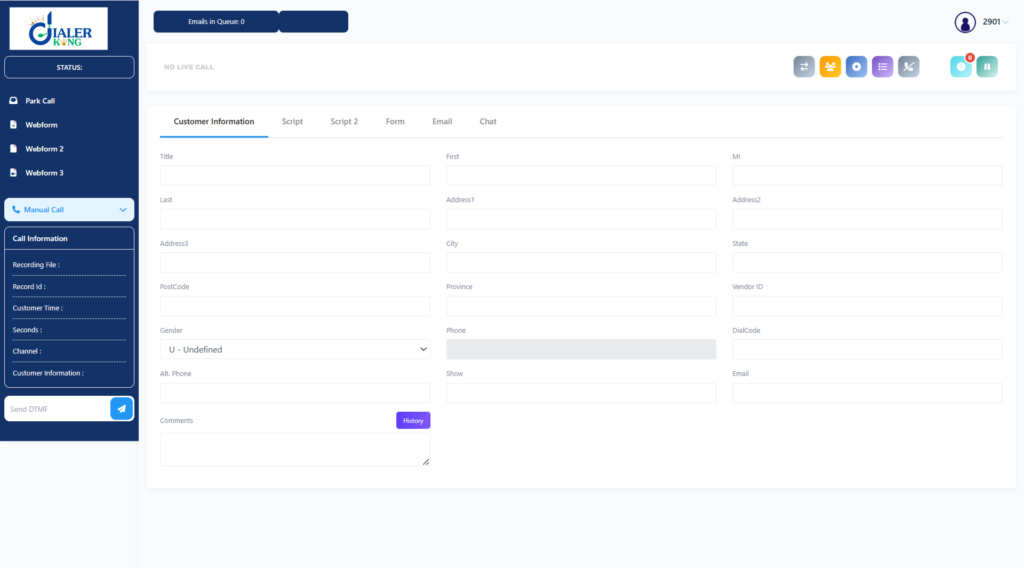
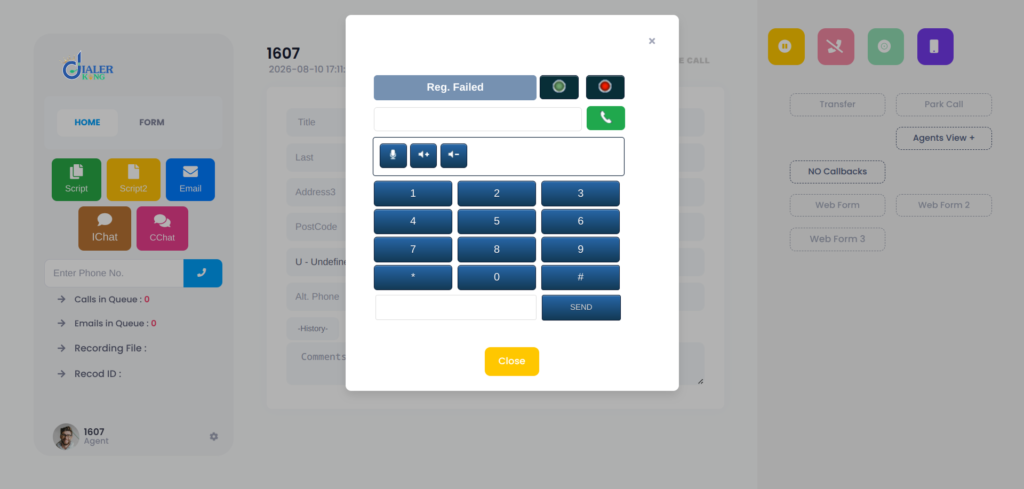
In VICIdial, the webphone is ViciPhone. It loads in the top right corner of the agent screen (vicidial.php) and registers to your Asterisk server like any other phone. So when people say VICIdial Webphone, they mean ViciPhone connected to Asterisk through WSS.
What Is VICIdial Used For?
VICIdial is an open-source dialer built on Asterisk. Teams use it to run outbound, inbound and blended campaigns, with predictive, power, preview and manual dialing. It also handles lead lists, agent screens, recordings, live reports and CRM links through its API.
The Custom VICIdial Webphone is only the audio part of that agent screen. Everything else works the same, so the dialer logic, hopper, lists and reports are unchanged.
Can I Use VICIdial for Free? What Does It Cost per Month?
Yes, you can use VICIdial without paying a software license fee. The VICIdial Webphone also does not require a separate software fee.
What you do pay for is everything around the software:
- A server with a dedicated public IP (AlmaLinux or ViciBox are the usual choices)
- SIP trunk minutes from your carrier
- A domain name (the certificate needs one)
- Setup and support, if you want an engineer to do it
So the monthly cost depends on your server size and your carrier, not on VICIdial. DialerKing installs and configures VICIdial on your server. We do not supply servers, routes or DIDs.
Before You Set Up the VICIdial Webphone
You need these in place first:
- A domain name (FQDN) with an A record pointing to the server’s public IP
- A valid certificate from a public authority. Let’s Encrypt works. Self-signed certificates fail, because browsers reject the WSS connection and block the microphone on plain HTTP pages
- Open ports: TCP 80 and 443 (web), TCP 8089 (Asterisk WSS), and UDP 10000-20000 (RTP audio)
- An Asterisk build with WebSocket, SRTP and PJSIP support
- Opus codec support (optional, but better voice quality)
Check the Asterisk modules:
asterisk -rx "module show like websocket"
asterisk -rx "module show like srtp"
asterisk -rx "module show like opus"You should see res_http_websocket.so, res_srtp.so and res_rtp_asterisk.so running. If you use PJSIP, you also need res_pjsip_transport_websocket.so. If one is missing, the webphone will not work no matter what else you configure.
VICIdial Webphone Setup: Step by Step
Step 1: Get the certificate
Stop Apache briefly, then run:
certbot certonly --standalone -d dialer.example.comYour files land in /etc/letsencrypt/live/dialer.example.com/. Use fullchain.pem (not cert.pem) because some browsers need the intermediate certificate to finish the trust chain.
Step 2: Turn on the Asterisk WSS listener
Edit /etc/asterisk/http.conf:
[general]
enabled=yes
bindaddr=0.0.0.0
bindport=8088
tlsenable=yes
tlsbindaddr=0.0.0.0:8089
tlscertfile=/etc/letsencrypt/live/dialer.example.com/fullchain.pem
tlsprivatekey=/etc/letsencrypt/live/dialer.example.com/privkey.pemRestart Asterisk in a quiet window, since a restart drops live calls. Then confirm it is listening:
ss -tlnp | grep 8089
asterisk -rx "http show status"Step 3: Point VICIdial at the webphone
In the admin panel:
- Admin – System Settings: set the Webphone URL. On newer installs this defaults to the public ViciPhone page. You can also use a copy on your own server.
- Admin – Servers: set the Web Socket URL to
wss://dialer.example.com:8089/ws. It must be WSS, not WS. It must use the domain name, not the IP. It must end in /ws.
Step 4: Create the phone template
Go to Admin – Templates and add a template, for example SIP_generic_WSS:
host=dynamic
context=default
qualify=yes
qualifyfreq=60
encryption=yes
icesupport=yes
directmedia=no
canreinvite=no
disallow=all
allow=ulaw,opus
nat=force_rport,comedia
force_avp=yes
dtlsenable=yes
dtlsverify=no
dtlscertfile=/etc/letsencrypt/live/dialer.example.com/fullchain.pem
dtlsprivatekey=/etc/letsencrypt/live/dialer.example.com/privkey.pem
dtlssetup=actpassKeep allow=ulaw first while testing. It is the safest codec for getting a first call through. Add Opus once it calls work.
Step 5: Set up the phone
Go to Admin – Phones, open the agent’s phone, and set:
- Set As Webphone: Y
- Webphone Auto-Answer: Y
- Use External Server IP: Y
- Template ID: the template from Step 4
Save, and the setup is done.
VICIdial Webphone Login: How Agents Sign In
Agents do not log in to the webphone separately. It starts when they log in to the agent screen.
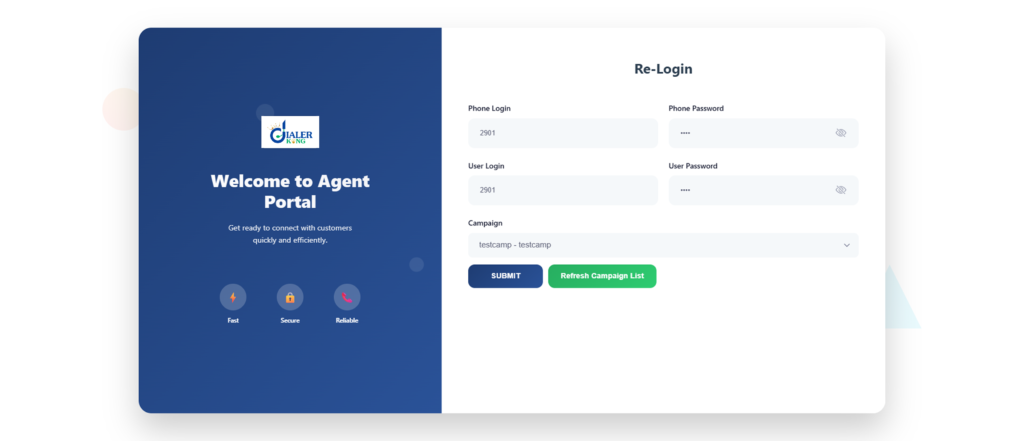
- Open
https://dialer.example.com/agc/vicidial.php. It must be HTTPS. On HTTP the browser will never ask for the microphone. - Enter the phone login and phone password. These belong to the phone you configured above.
- Enter the user and password, then pick the campaign.
- When Chrome asks for microphone access, click Allow.
- The webphone shows Registered, and the agent is ready.
If the microphone prompt never appears, the page is loading over HTTP, or a browser extension is blocking it. Ad blockers and VPN extensions are common causes. Pressing Ctrl+Shift+J shows the console errors.
VICIdial Webphone Download: What You Actually Need
Agents download nothing. That is the point of a browser phone. On the server side, ViciPhone files ship with current VICIdial installs, and the default Webphone URL works without any extra download. If you want your own copy, for example for branding, clone the project into your web root:
cd /var/www/html

git clone https://github.com/vicimikec/ViciPhone.git

chown -R apache:apache ViciPhoneThen set the Webphone URL in System Settings to https://dialer.example.com/ViciPhone/viciphone.php. Agents do not need a separate desktop softphone download when using ViciPhone as the browser-based webphone. , which is a different tool and not needed here.
VICIdial Webphone App: Using It on Phones and Tablets
There is no separate app to install. The webphone runs in the mobile browser, so an agent can open the same HTTPS agent page on Android or iPhone and allow the microphone.
It works, but it has limits. Mobile browsers pause background tabs and drop the connection when the screen locks, so the phone can fall out of registration mid-shift. For full-time agents, use a desktop browser (Chrome or another Chromium-based browser) and a USB headset. Keep the phone browser for supervisors, short shifts or backup use.
Fixing the Most Common VICIdial Webphone Errors
Most failed setups trace back to the certificate, port 8089, or the RTP range.
"conn.failed" or webphone never registers
 Check these in order:
ss -tlnp | grep 8089
openssl s_client -connect dialer.example.com:8089 -servername dialer.example.comIf the port is closed, fix the firewall. If the certificate is wrong, fix the paths in http.conf. Then check that the Web Socket URL in Server settings is exactly wss://dialer.example.com:8089/ws.
488 Not Acceptable Here
This is a codec mismatch. Set disallow=all and allow=ulaw in the template. If you use Opus and the module is not loaded, calls fail the same way.
Registered, but one-way or no audio
Audio is blocked on the network side. Check that UDP 10000-20000 is open, that icesupport=yes is set, that externip is set in sip.conf, and that stunaddr is set in rtp.conf. Agents behind strict corporate firewalls may also need a TURN server such as coturn.
Registration drops after about 10 minutes
Lower qualifyfreq in the template (30 works well) and raise the expiry values in sip.conf. This keeps the connection alive through NAT timeouts.
Echo on calls
Ask the agent to use a headset instead of laptop speakers, and make sure only one tab has the dialer open.
A Few Habits That Keep It Stable
- Renew the certificate before it expires. certbot renew runs on a timer, but check it. An expired certificate stops every agent at once.
- Test every new agent location with one real call before the shift starts.
- On a cluster, give each Asterisk server its own domain name and its own WSS URL, and match the template to the certificate paths on that server.
- For 50 or more agents on one server, raise the file descriptor limit (LimitNOFILE=65536 in a systemd override), because each WebSocket uses one.
- Add a fail2ban rule for repeated failed registrations on the WSS port.
Get the VICIdial Webphone Running Without the Guesswork
A VICIdial Webphone is simple once the certificate, port 8089 and the RTP range are right, and frustrating until they are. DialerKing reviews your ViciBox build and SVN version, then installs and configures browser calling on your server, with remote installation or source code handover. We can also brand the webphone with your logo and colors.
Contact DialerKing and we will look at your setup.
FAQs
2. Which browsers work best❓
Chrome and other Chromium-based browsers are the most reliable. Firefox and Safari work, but test them first, because their WebRTC behavior differs slightly.
3. Can I run the webphone on HTTP for a quick test❓
No. Browsers block microphone access on HTTP pages, and WSS needs a valid certificate. Set up HTTPS first.
4. Why does the webphone show Registered but agents cannot hear anything❓
Registration only proves the signaling works. Audio travels separately over UDP 10000-20000, so check that range, externip, stunaddr and the template’s nat=force_rport,comedia line.
5. Does every Asterisk server in a cluster need its own setup❓
Yes. Each server handles its own WebSocket connections and media, so each needs its own certificate, port 8089, Web Socket URL and matching template.
6. Do I have to use Opus❓
No. ulaw works everywhere and is the safer choice for a first test. Opus gives better quality on weak connections, but only if the codec module is loaded on the server.